UI Ux Design
- Course Duration : 12 weeks
- Study Lecture : 32 Lectures
- Target Level : Beginner to Pro
- Batch Size : 8-10 (Personalized)
- Portfolio Projects : 6 to 8
- Certification : With Internship
More Courses For You !




- Course Highlights
- Syllabus
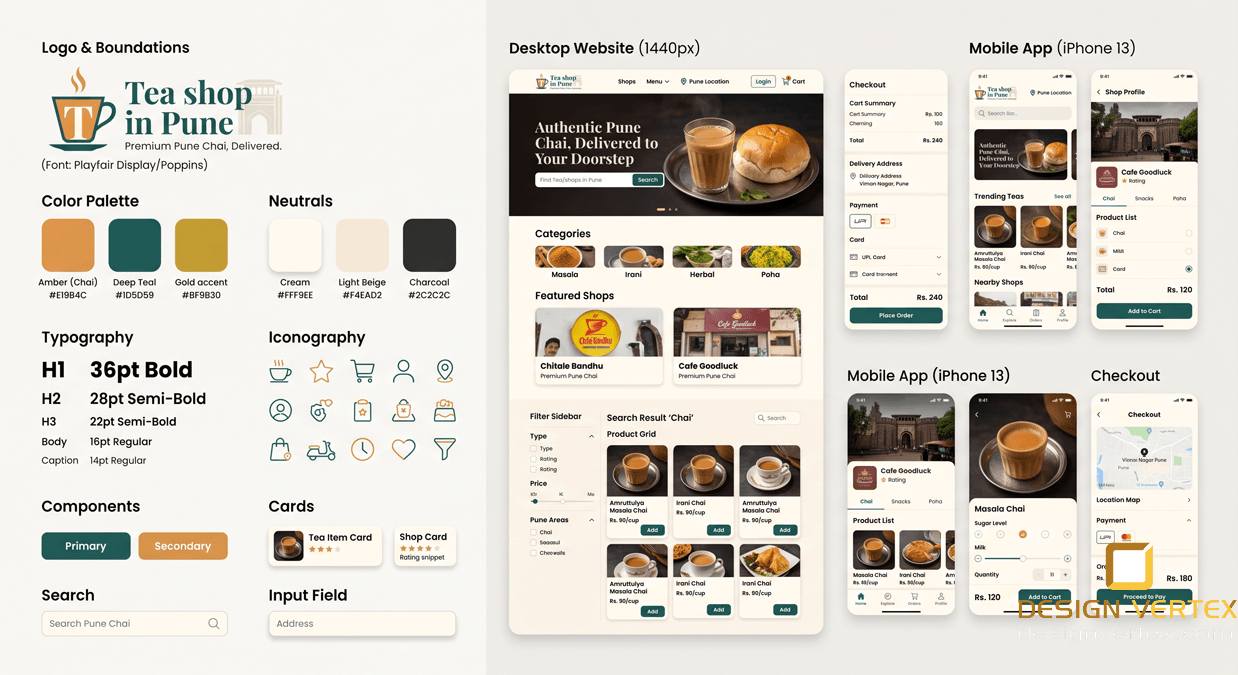
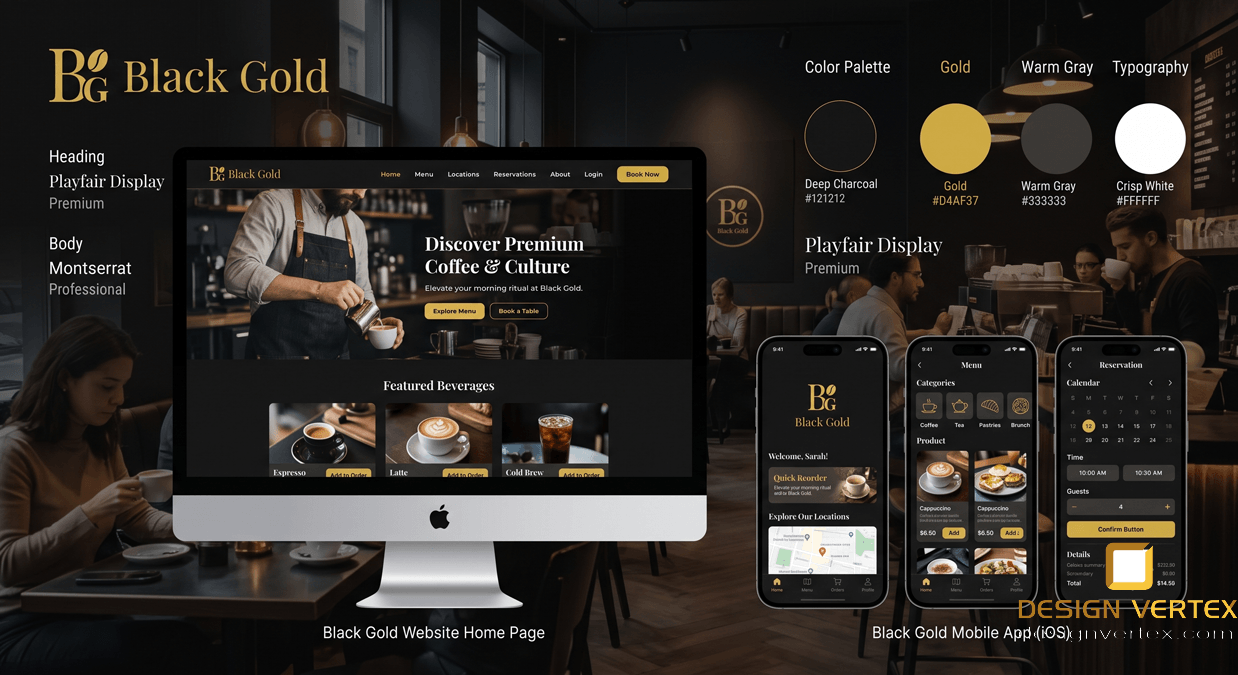
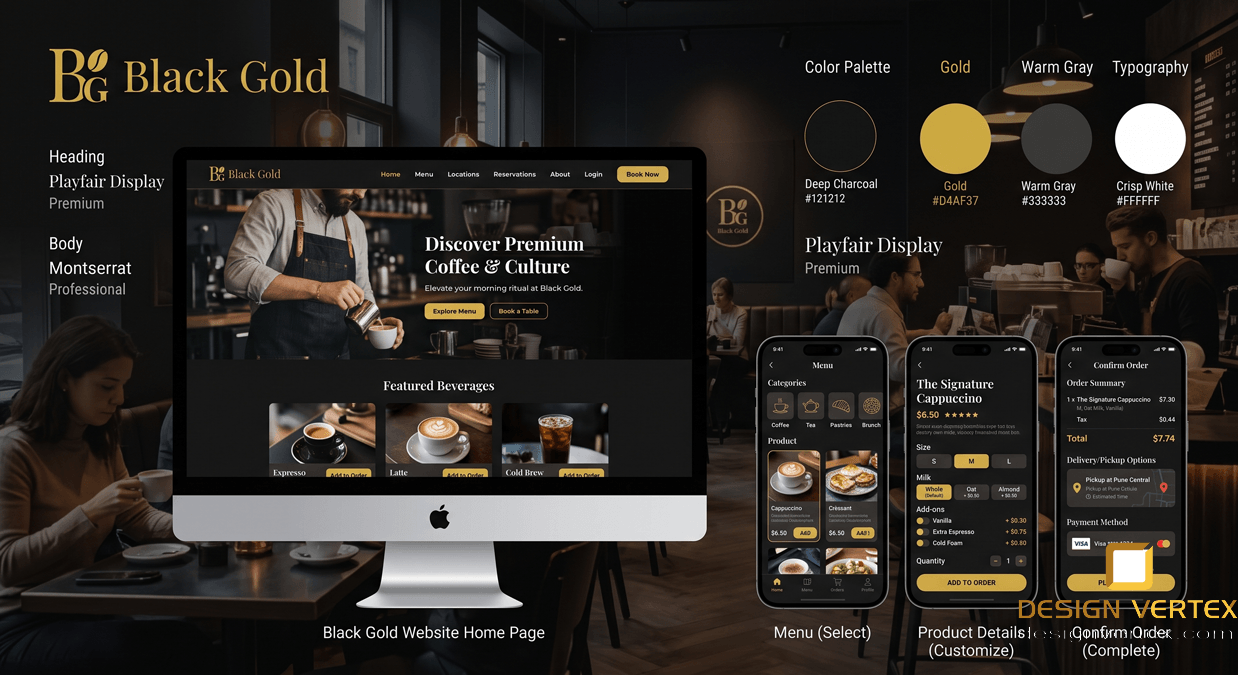
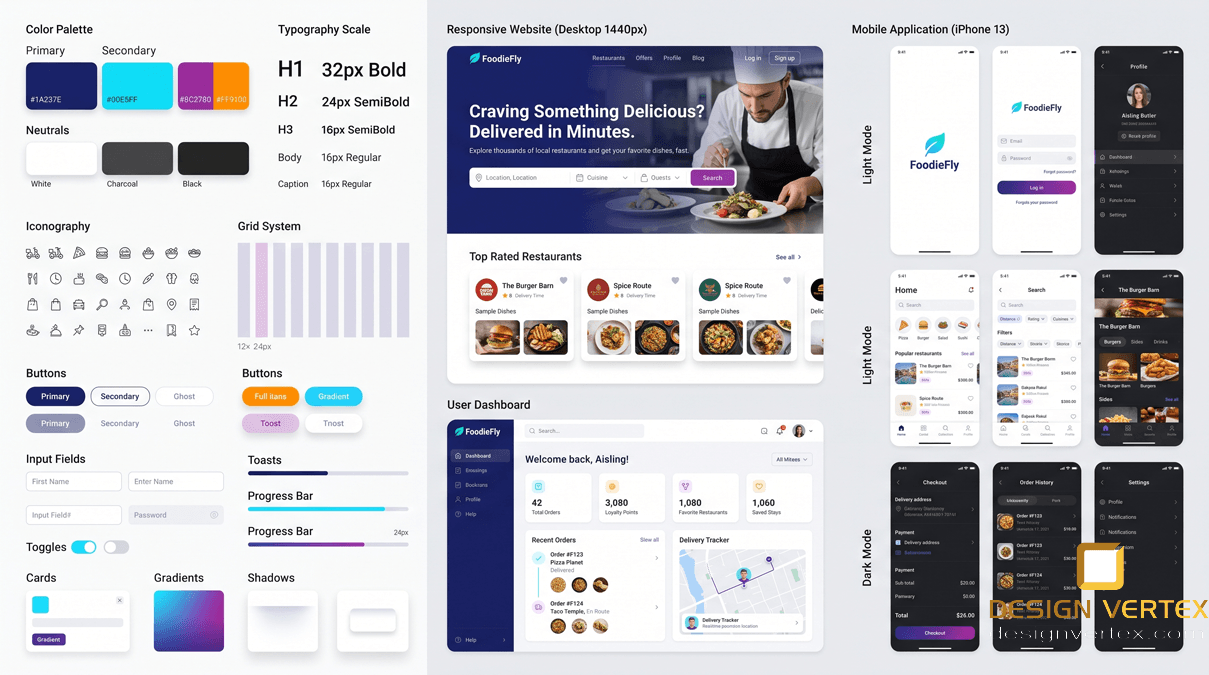
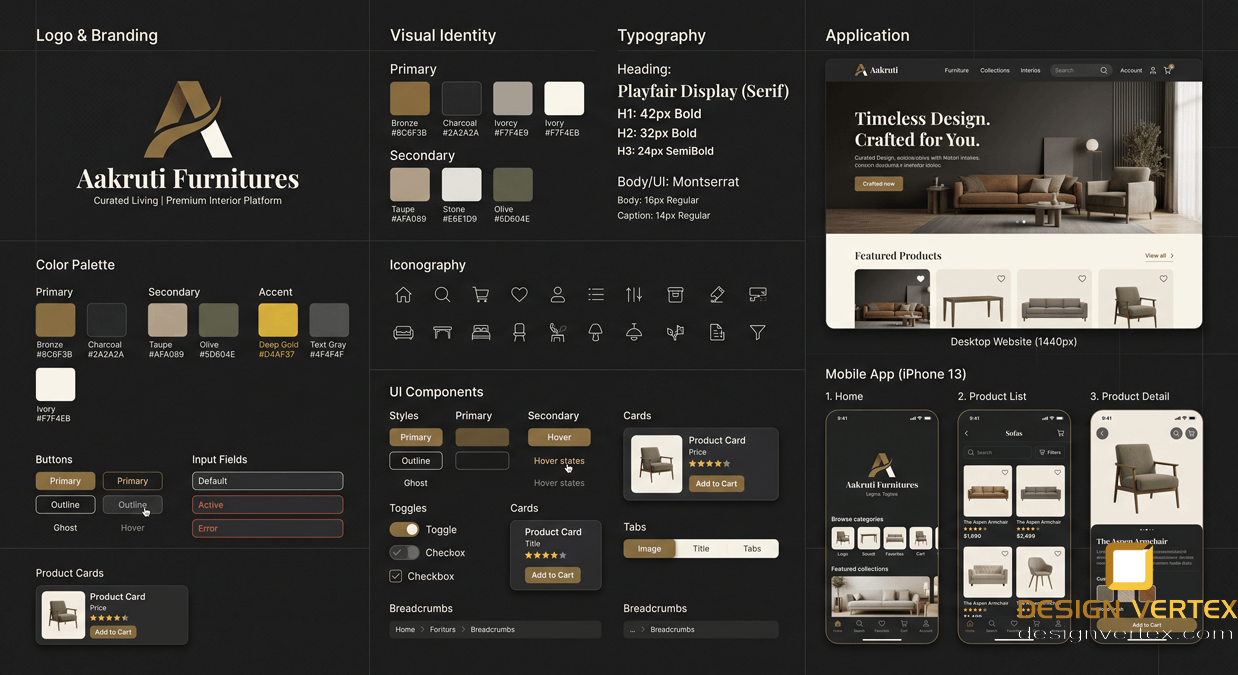
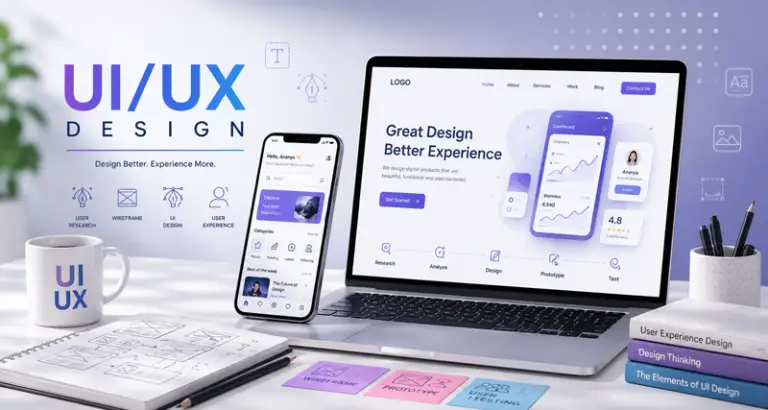
Our comprehensive UI/UX Design course equips you with the essential skills to create intuitive, visually stunning, and highly functional digital products. Backed by our active design agency, this hands-on program immerses you in real-world workflows, moving far beyond standard theory. You will master industry-standard tools like Figma and Adobe XD while learning deep user research, wireframing, advanced prototyping, and usability testing. By designing user-centered interfaces from scratch, you will build a robust, professional portfolio featuring live project scenarios. Whether you aim to join a top tech firm or freelance, this course provides the exact practical experience needed to succeed.
UI/UX Design & Prototyping Course Syllabus
Module 1: UX Design Foundations & User Research
Introduction to UI vs. UX: Understanding the difference between User Interface and User Experience, and the product design lifecycle.
Design Thinking Process: Empathize, Define, Ideate, Prototype, and Test.
User Research Methods: Conducting user interviews, surveys, and competitive analysis to gather actionable data.
Creating User Personas: Defining target audiences, user goals, and pain points to guide design decisions.
User Journey Mapping: Charting the step-by-step experience of a user interacting with a digital product to identify friction points.
Module 2: Information Architecture (IA) & Wireframing
Information Architecture: Organizing and structuring content logically using card sorting and sitemaps.
User Flows: Designing the optimal pathways users take to complete specific tasks within an app or website.
Low-Fidelity Wireframing: Rapid sketching (paper and digital) to establish layout concepts and screen real estate allocation.
Mid-Fidelity Wireframing: Transitioning to digital wireframes using industry-standard tools (Figma/FigJam) to define structural hierarchy without visual distractions.
Module 3: Visual Design & User Interface (UI) Principles
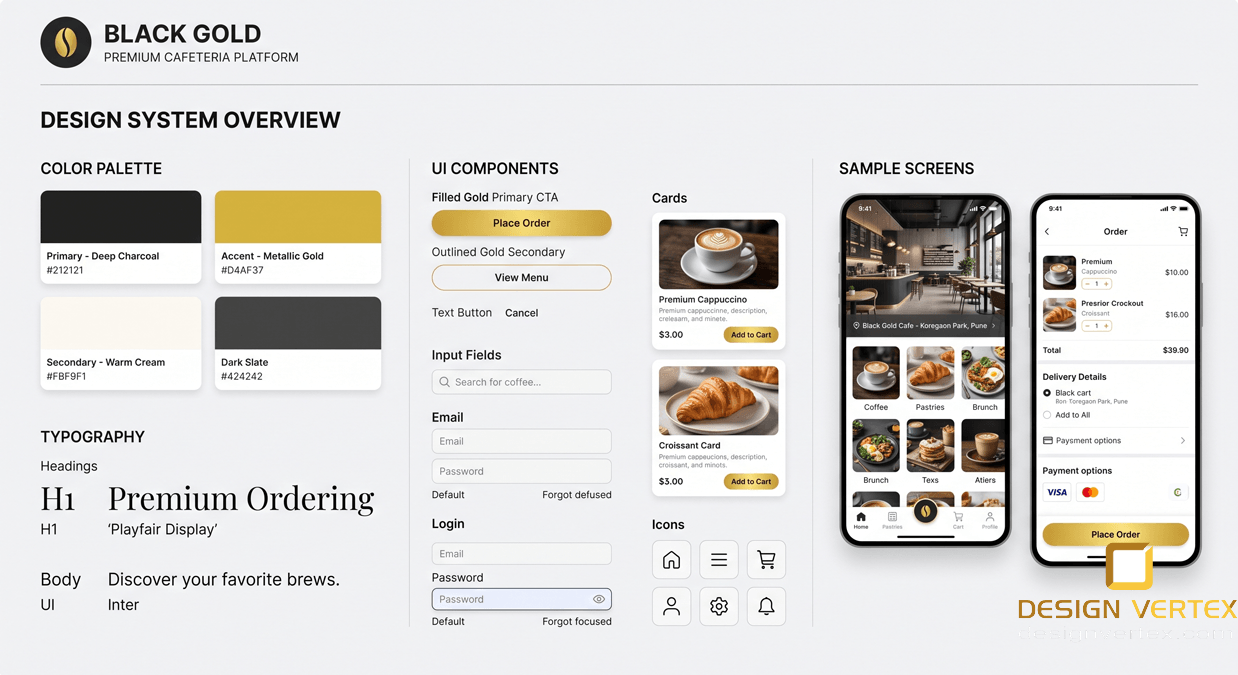
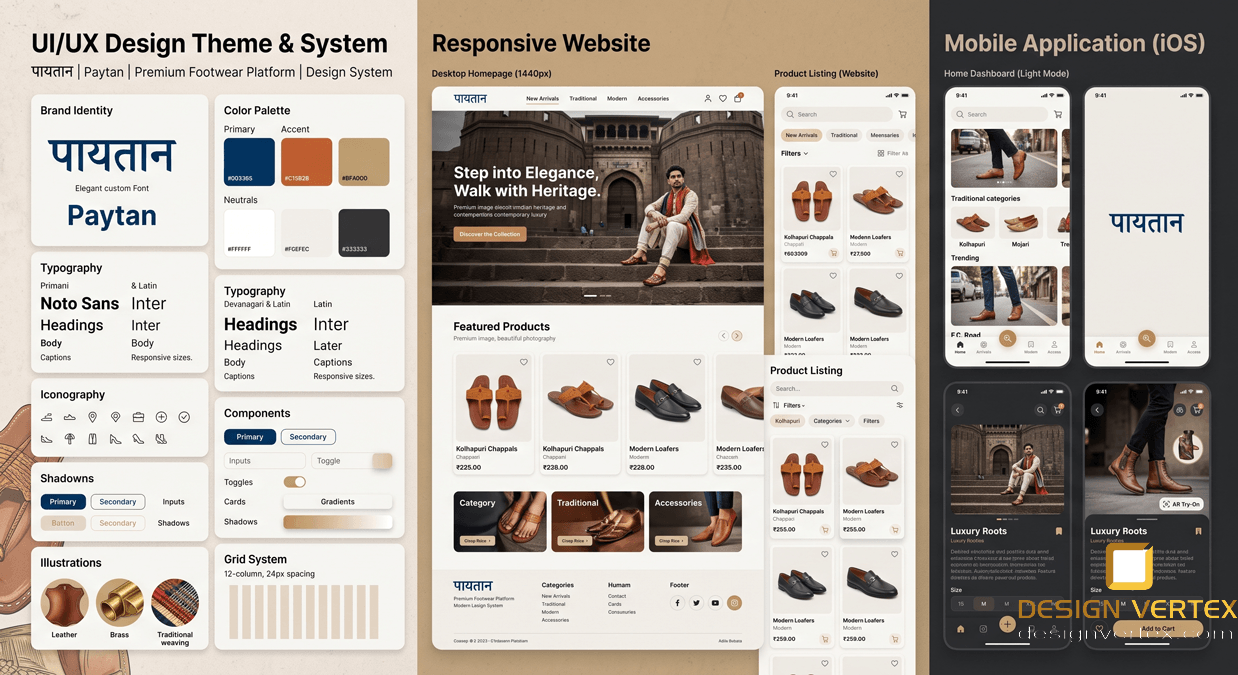
Design Systems & Guidelines: Understanding Material Design (Google) and Human Interface Guidelines (Apple).
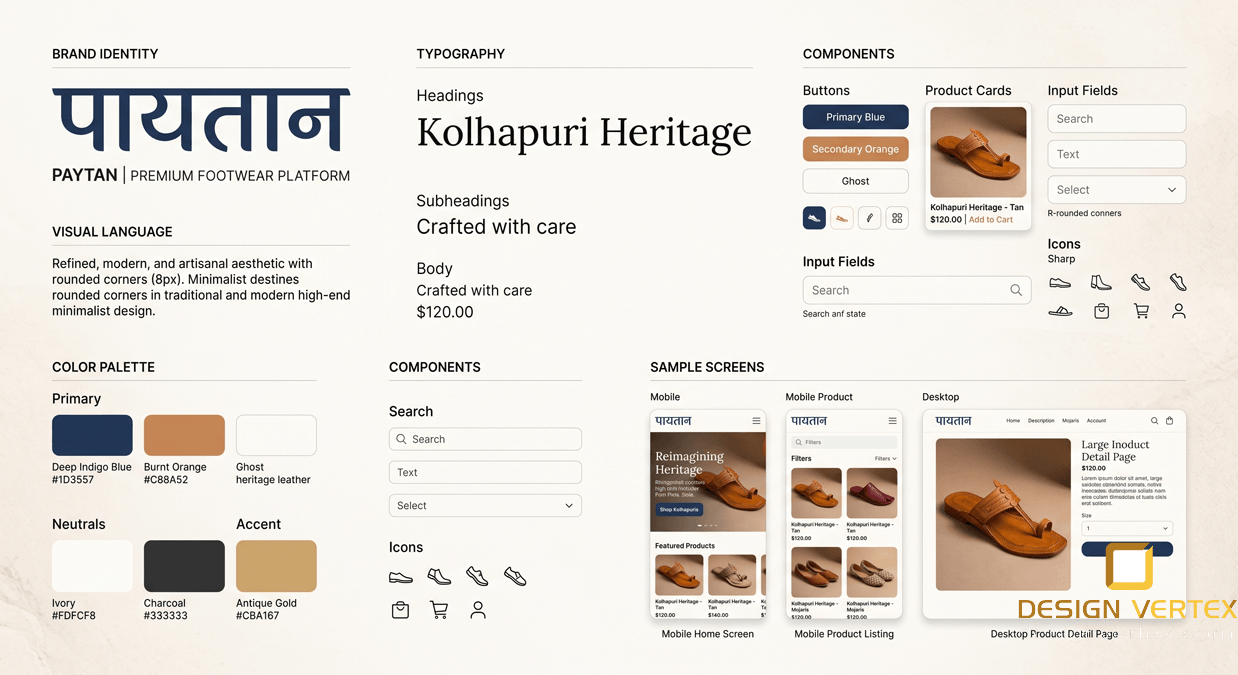
Color Theory & Typography: Selecting accessible color palettes, establishing visual weight, and pairing functional web fonts.
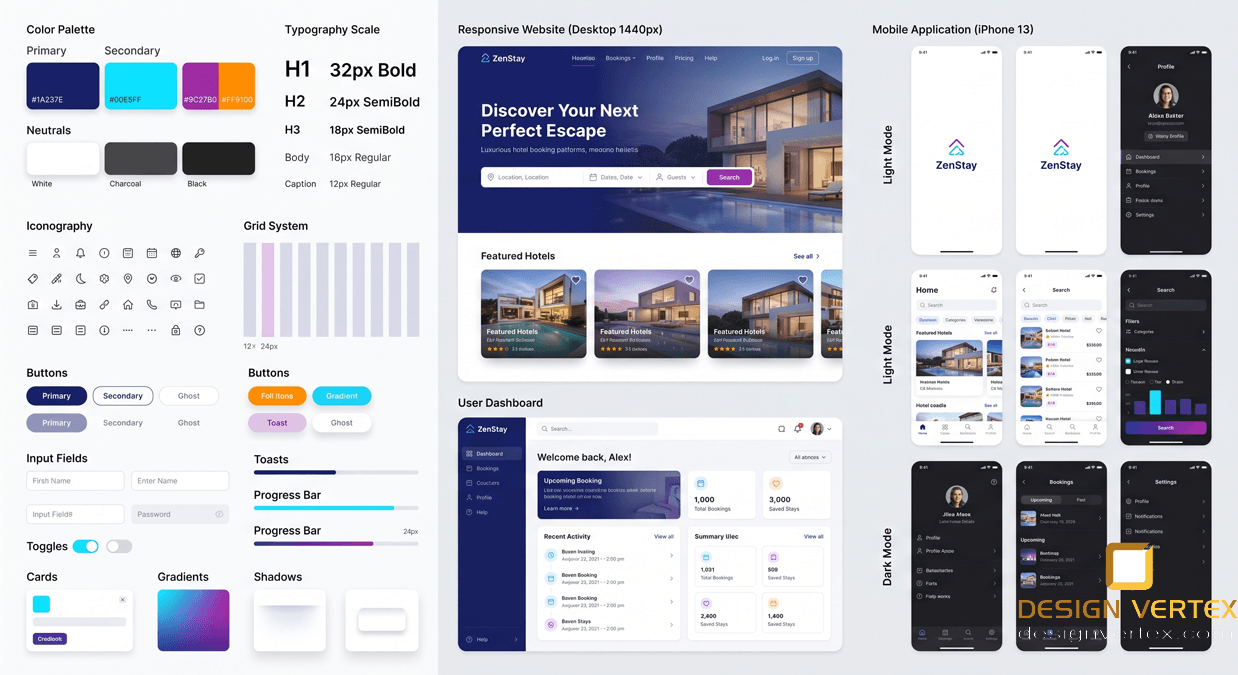
Grid Systems & Layouts: Utilizing column grids, baseline grids, and responsive breakpoints for desktop, tablet, and mobile interfaces.
UI Components: Designing reusable buttons, forms, navigation bars, cards, and micro-interactions.
Visual Hierarchy: Using spacing, contrast, and alignment to guide the user’s eye and improve usability.
Module 4: Advanced Prototyping & Interaction Design (Figma)
Figma Mastery: Navigating the workspace, managing layers, and utilizing auto-layout for dynamic, responsive designs.
Component Libraries & Variants: Building scalable, interactive component libraries for efficient design workflows.
High-Fidelity UI Design: Converting mid-fidelity wireframes into polished, pixel-perfect, and branded user interfaces.
Interactive Prototyping: Linking screens, setting trigger events, and creating advanced animations (Smart Animate) to simulate real app behavior.
Module 5: Usability Testing & Developer Handoff
Usability Testing: Planning and conducting moderated and unmoderated testing sessions with real users.
Analyzing Feedback: Identifying usability flaws, A/B testing variations, and iterating on the design based on user data.
Accessibility Design (a11y): Ensuring designs meet WCAG standards for color contrast, screen readers, and inclusive design.
Developer Handoff: Preparing design files, exporting assets, and generating CSS/code snippets for seamless collaboration with frontend developers.
Module 6: Agency Workflows & Portfolio Development
Live Project Execution: Applying the entire UX/UI lifecycle to a real-world brief (e.g., a commercial e-commerce app or corporate dashboard).
Case Study Creation: Documenting the design process, problem-solving strategies, and final outcomes for professional presentation.
Behance & Dribbble Portfolios: Structuring and publishing high-impact digital portfolios to attract recruiters and freelance clients.
Interview Preparation: Presenting design decisions, handling feedback, and preparing for whiteboard design challenges.